Jobber vs Servly: what Australian trade businesses should know
Last updated: November 2026
The short version
Jobber is the better choice for a small crew that wants a polished, easy app and can live with a product built mainly for North America. Servly is the better fit for an Australian trade business that is growing and wants local pricing, local messaging and a platform that scales with it.
We make Servly, so we have a stake in this comparison. We have tried to be fair about where Jobber is the better choice.
A very good product, built somewhere else
Jobber is a Canadian company, founded in 2011 and used by service businesses around the world. It is one of the easiest field service apps to pick up, and its mobile app is highly rated.
The catch for Australian businesses is not quality. It is that Jobber is built first for the US, Canada and the UK, and several of its headline features are only offered there.
What Jobber does well
- Ease of use. A small team can be quoting and scheduling in a day.
- The customer experience. Client Hub gives your customers one place to approve quotes, pay invoices and request work. Online booking is built in.
- Quoting. Quotes with images, optional line items and automatic follow-ups.
- Clear plans. Pricing is published, by plan and team size, with month-to-month options.
- AI. Jobber offers an AI receptionist and has been adding AI assistant features.
- Openness. There is a public API and a large app marketplace.
If you are a sole operator or a crew of five and the app experience matters most, Jobber is a strong product and costs less than Servly.
What is different in Australia
These points come from Jobber's own pricing page and help centre. Check them before you buy, because availability can change.
- Pricing is shown in US dollars. Jobber's pricing page lists prices in USD. Check which currency you would be billed in, because a USD bill moves with the exchange rate.
- Two-way SMS. Jobber's help centre lists two-way text messaging for the US, Canada and the UK.
- "On my way" texts. Also listed for the US, Canada and the UK.
- AI Receptionist. Jobber's dedicated phone numbers are listed for the US, Canada and the UK. Ask whether the receptionist is available to Australian accounts.
- Jobber Payments. Offered in the US, Canada and the UK. Australian accounts connect a third-party payment provider instead.
- Xero. The Xero sync runs one way, from Jobber to Xero, on the Connect and Grow plans.
The practical result is that an Australian business on a higher Jobber plan can be paying for features it cannot switch on.
What Servly does differently
Servly is a packaged trade operations system on Salesforce Field Service, built in Australia from the operating model behind The Grout Guy.
- Priced in Australian dollars. No exchange rate in your software bill.
- Australian SMS included. Customer messaging, including "on the way" texts, is part of the plan.
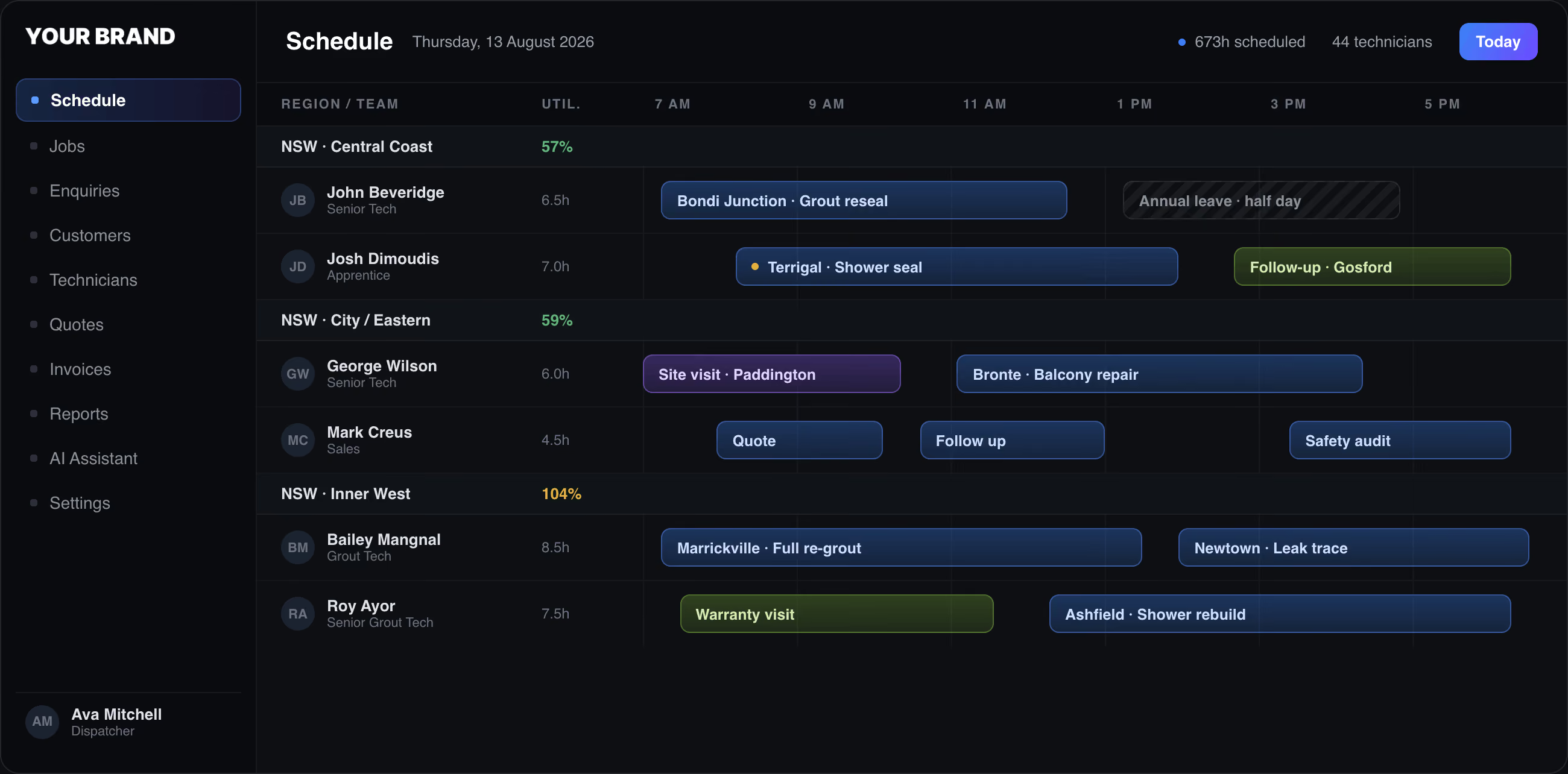
- Built for a growing team. Scheduling works with territories, skills and travel time, so adding crews and regions does not mean changing systems.
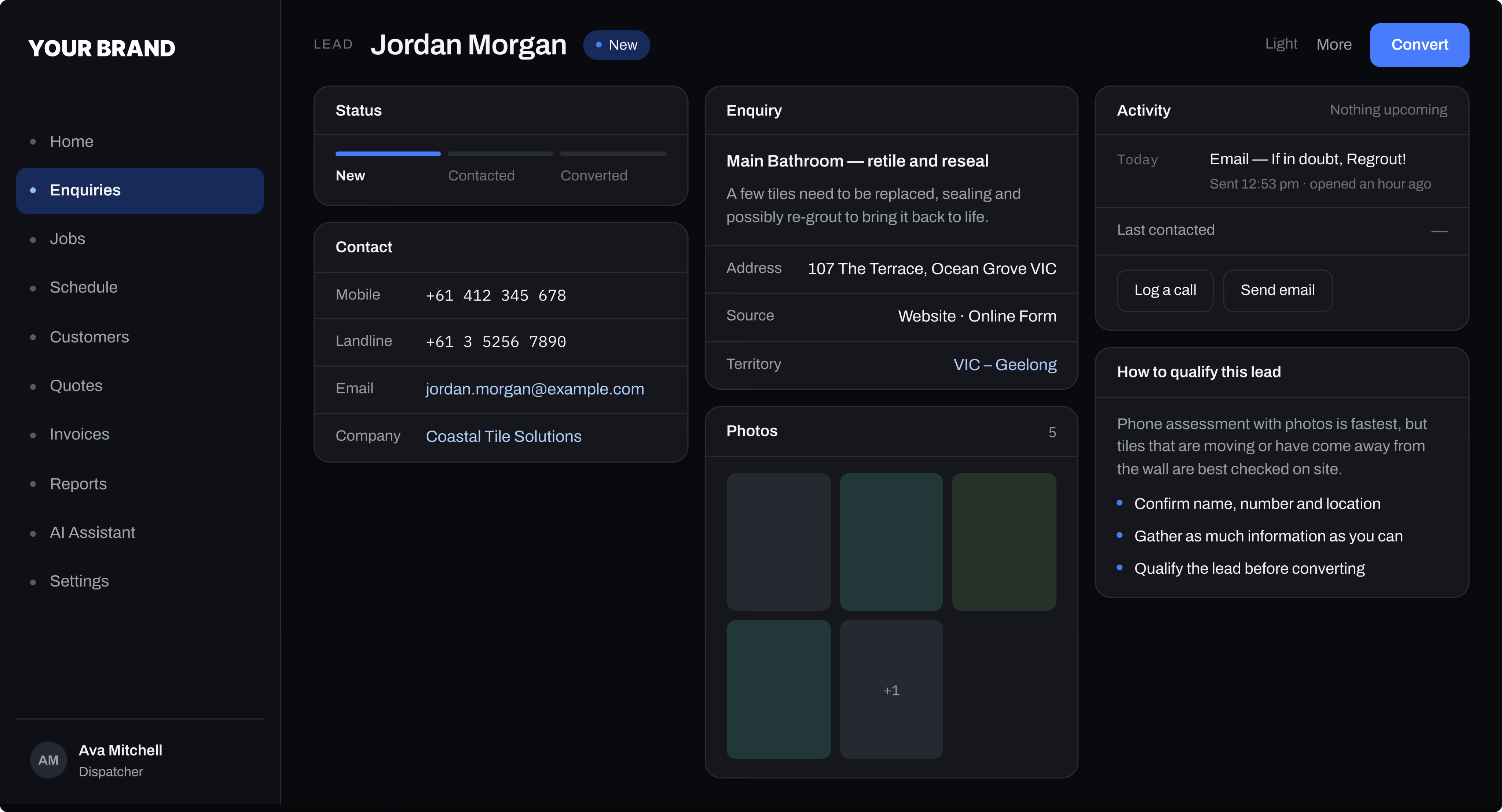
- A real CRM. Leads, pipeline, accounts and jobs in one place, with duplicate management and a history of who changed what.
- Reporting on your own data. Custom reports and dashboards across sales, scheduling, jobs and customers.
Built here, priced here and backed by a team in Australia. Servly is an authorised Salesforce provider, and The Grout Guy's build has been recognised by Salesforce with a customer success award. You are not waiting for a feature to reach this market, because this is the market Servly was built for.
What changed at The Grout Guy
Scale is the part of The Grout Guy's story most relevant here. These figures are from Salesforce's customer story, and they are The Grout Guy's own results on its own build, not a promise of what every Servly customer will see.
- The field team grew from 30 to 130 technicians in three years, and is past 150 today.
- One dispatcher now supports 20 to 25 technicians, up from six or seven.
- Quote conversion increased from the low 30% range to over 50%.
What Servly does not cover yet
Servly is built for service-led trades first, and it is a bigger system than Jobber. Some things Jobber does well are not packaged in Servly yet.
- Customer portal and online booking. Jobber's Client Hub is polished and ready to use. Salesforce has a portal product, but Servly has not packaged one yet.
- Speed of setup. Jobber is self-serve with a free trial. Servly has a guided setup and a one-off fee.
- Accounting. Servly integrates with Xero today, and MYOB is planned. Jobber also supports QuickBooks Online.
- AI call answering. Agentforce is an optional add-on to Servly, not part of the standard package.
If one of these decides it for you, tell us. Early customers are shaping what we build next.
Side by side
| Jobber | Servly | |
|---|---|---|
| Best for | Small crews wanting a simple, polished app | Growing Australian trade businesses |
| Pricing | Published, shown in US dollars, by plan and team size | Monthly plan by team size in Australian dollars, Salesforce licence included |
| Setup | Self-serve, free trial | Guided setup with a one-off fee |
| Two-way SMS in Australia | Listed for US, Canada and UK | Australian SMS included |
| Customer portal | Client Hub | Not packaged yet |
| Scheduling | Drag-and-drop calendar, route optimisation | Field Service scheduling with territories, skills and travel |
| CRM | Client and request management | Full Salesforce CRM with leads and pipeline |
| Reporting | Built-in reports, custom reports on higher plans | Custom reports and dashboards |
| Accounting | QuickBooks Online, one-way Xero sync | Xero today, MYOB planned |
Jobber details are from its public pricing page and help centre as at November 2026.
Which should you choose?
Choose Jobber if you are a small team, you want to be running this week, and the features that are not offered in Australia do not matter to you.
Look at Servly if you are growing past a single crew, you want customer messaging and pricing that are local, and you would rather build on a platform you will not outgrow.
Common questions
Is Servly priced in Australian dollars?
Yes. Plans are in Australian dollars and priced by team size, with a one-off setup fee.
Is Servly only for bigger businesses?
No, small teams can run it. But if quoting, scheduling and invoicing are all you need, Jobber will cost you less.
Do I need to buy Salesforce separately?
No. The Salesforce licence is included in your Servly plan.
Can I bring my Jobber data across?
Usually, yes. What comes across depends on what you can export from Jobber, your setup and data quality, so we assess that with you first.
Can customers still pay online?
Yes. Servly takes online payments through Stripe.
Running Jobber in Australia?
Explore more blogs